 Australia
  New Zealand
  Europe
  Italy
Italy  United Kingdom
  Portugal
  United States
  France
  Austria
  Canada
  Germany
  Ireland
  Singapore
  Spain
Spain  Netherlands
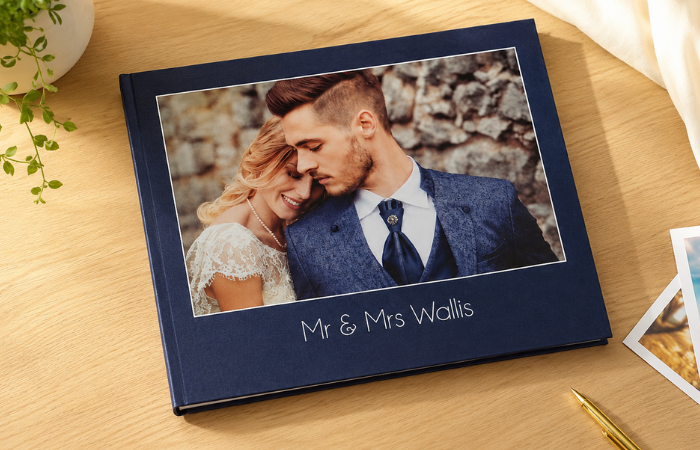
PHOTO BOOKS
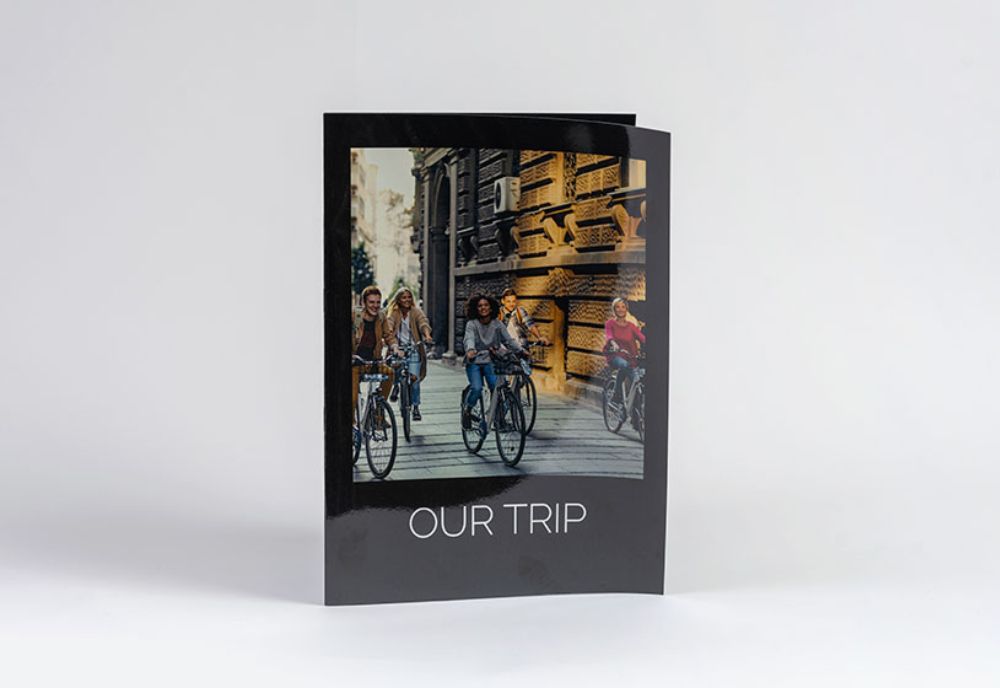
Available in different sizes.
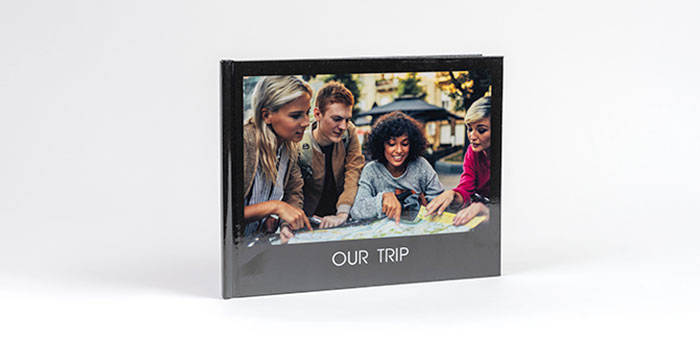
with our premium hard cover photobooks
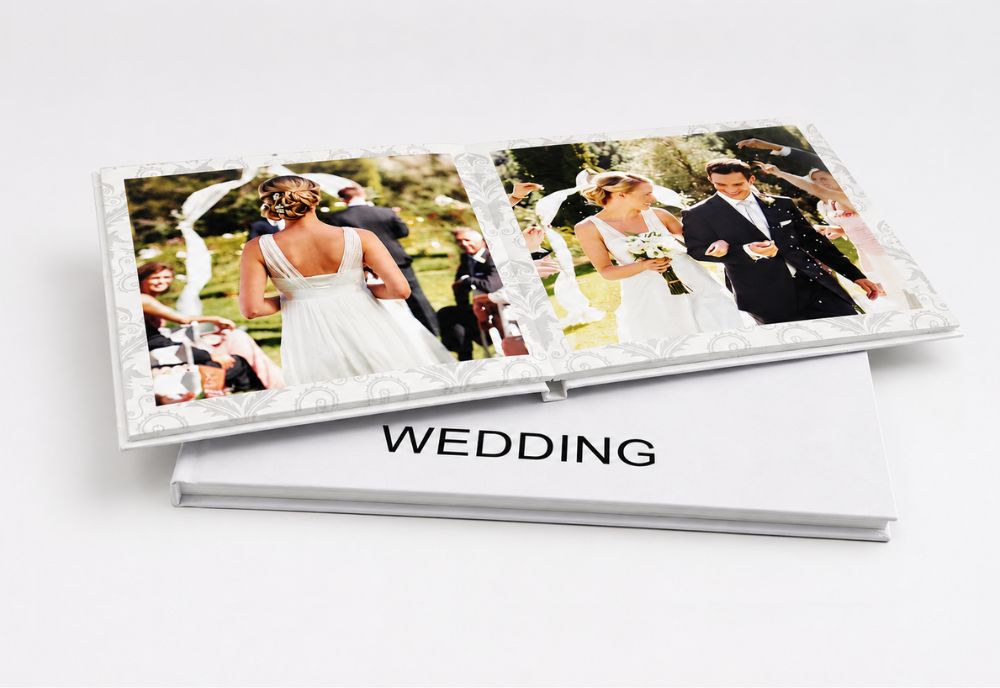
Designed to showcase your memories without any gutter.
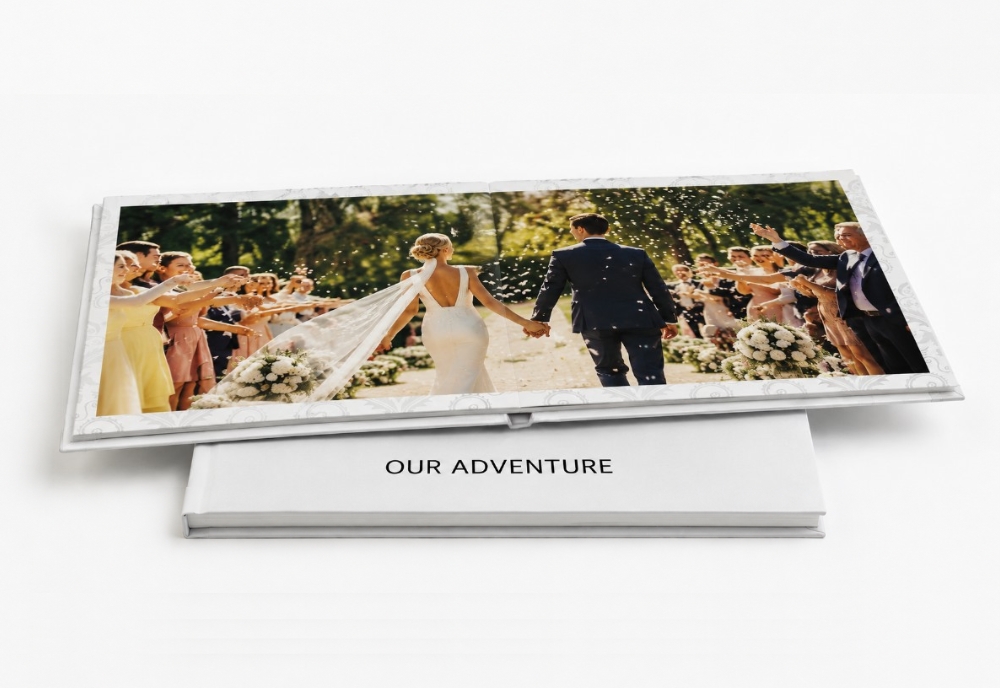
Designed for seamless display.
From photo to front door in three easy steps.
Choose a product and drop in your favourite photos straight from your phone or computer.
Pick your size and style, add text, and arrange your layout in our easy online editor.
We print your order locally with premium materials and ship it Australia-wide.
Design on your computer, offline, or straight from your phone.
Perfect for creating books, wall art, gifts and more quickly and easily. Access it from any computer or tablet with all the same great tools as our desktop designer.
Browse templatesGreat for advanced projects or when you want complete creative control. Download it and work offline until you are ready to order.
Download nowPerfect for creating on the go! Upload photos straight from your phone or from Facebook, Instagram, Dropbox or Google Photos.


Thousands of Australians trust us with their memories.
Printed right here in Australia on premium materials. Why choose us.
Design it yourself in minutes no experience needed, or let our designers help.
Shipped Australia-wide with tracking on every order. See current production times.
Loved by 500,000+ happy customers, rated 4.5/5. Add our designer check service before printing.
Save 10% on every order, all year
Plus members get an extra 10% off, free Australia-wide shipping and access to exclusive prepaid vouchers from $79/year. See all rewards club benefits.
Choosing the right photobook depends on Occasion- style, size, and number of pages. If you have special occasion for example Wedding, the best photobook will be HD Lay Flat Photobook, as it has the highest image quality with no binding or spine
If you like to have a photobook collection, then Soft cover photobook and Hard cover photobook will be the best options for you, as they are low cost and suitable for any event
Which Photobook Print Finish Should I Choose?
If you like the vibrant colours, and more brightness to your prints, Gloss finish will be the best option for you
Matte finish give the premium look for the printed photobook. It's the best option if your photos are bright
Our image-wrapped hardcover photo books are popular for their durability and timeless appeal. With a glossy finish and customisable cover design, you can personalise your photobook online with your favourite photos and text. These hardcover photo albums are perfect for displaying on your coffee table or bookshelf.
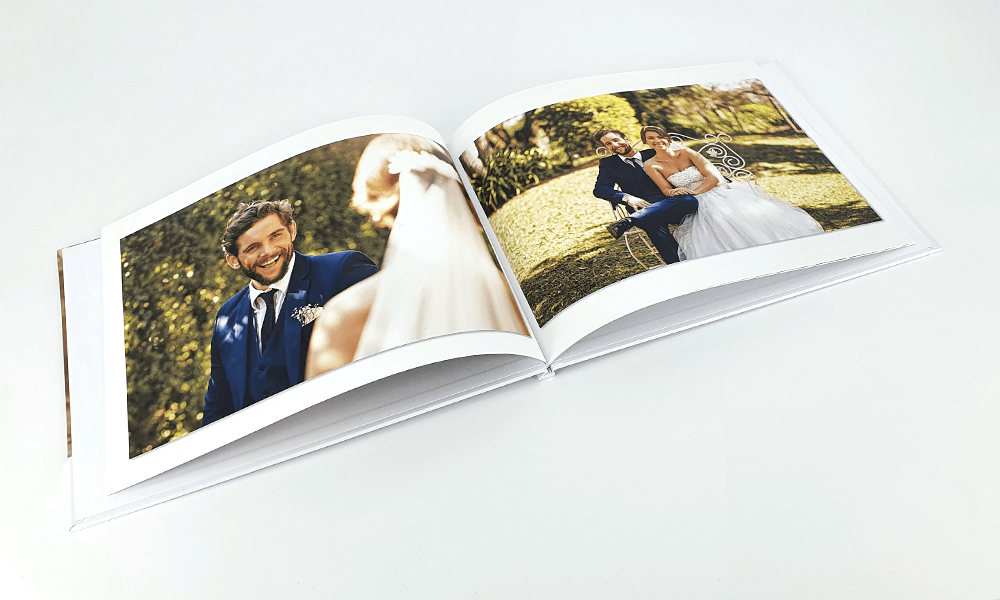
Softcover photobooks are a fantastic option for those who want a more casual and flexible way to relive their memories. With an easy-to-flip design reminiscent of a magazine, these photo books are perfect for kids or for taking on the go. Share your family photos or holiday snaps with friends and relatives in a fun and accessible format.
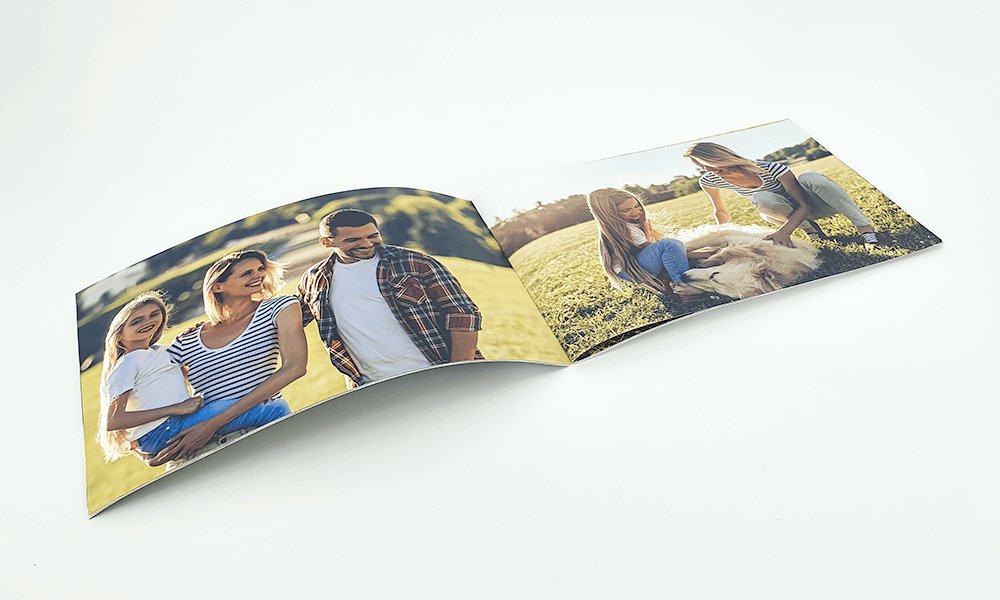
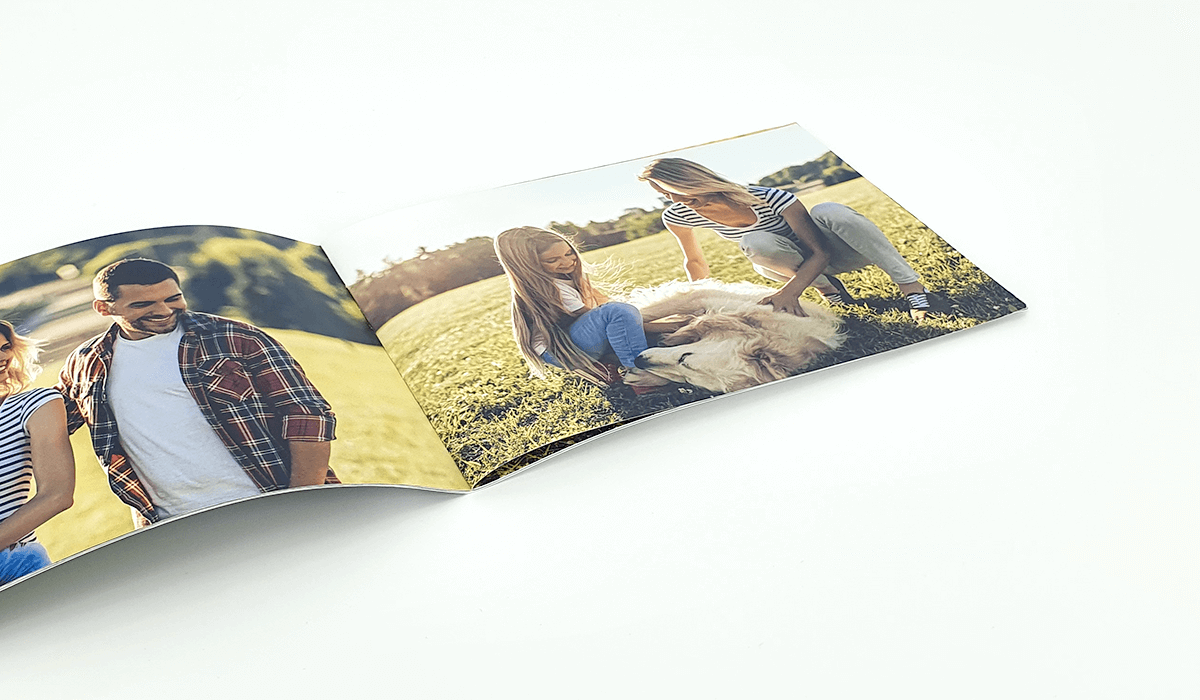
Our saddle stitch softcover photobooks are bound together using staples in the centre fold. Each sheet of paper is folded, and the staples hold the pages together. Because of this, you need to order your photo album online in page counts of four. This binding style is perfect for creating a custom photo book on a budget.
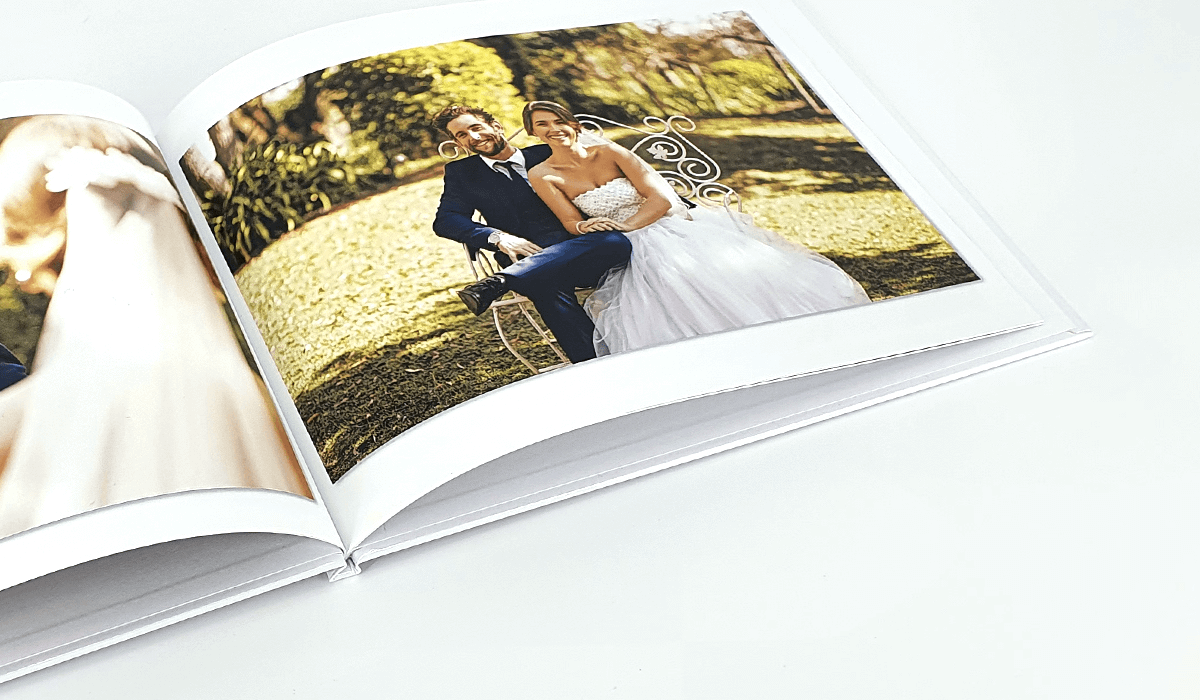
Standard binding gives your pages a beautiful curve at the spine, just like a magazine. If you choose a traditionally bound photo album book, the pages will sit slightly curved when the book is open.]This binding style is ideal for creating a classic photo album online.
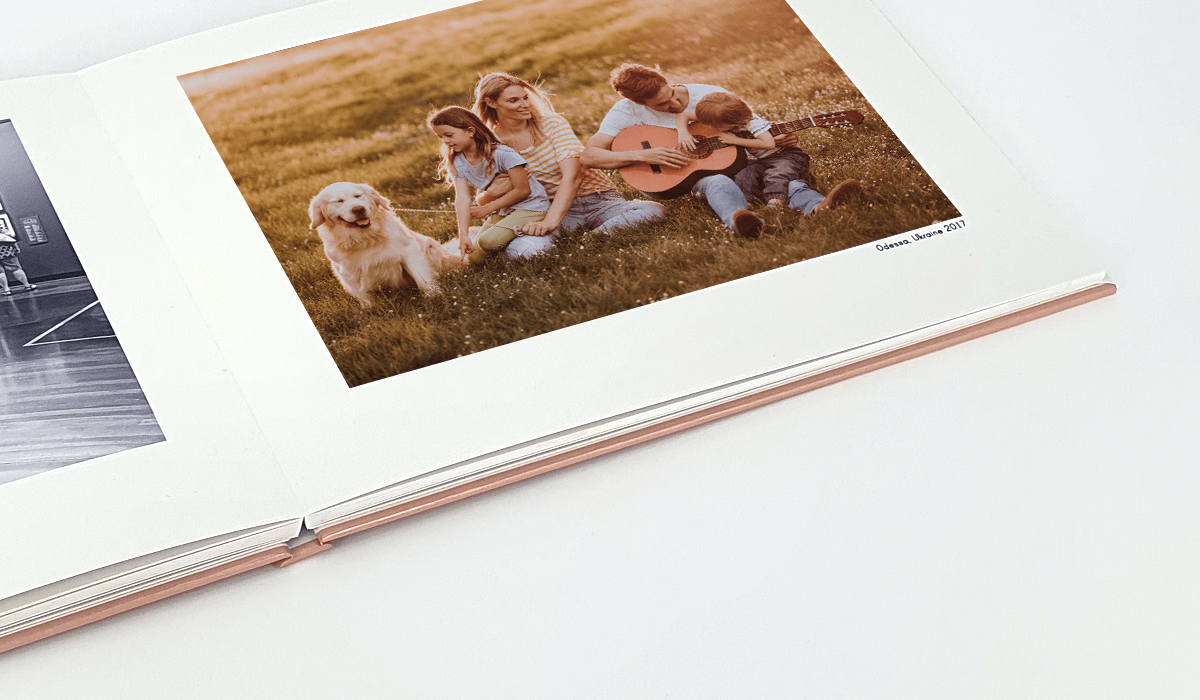
Our lay-flat binding features a seamless join in the spine, so your photo book lays flat when opened on any page. When you buy photo books online with lay-flat binding, you can showcase your memories across two pages without losing any details in the centre. Perfect for panoramic photos!
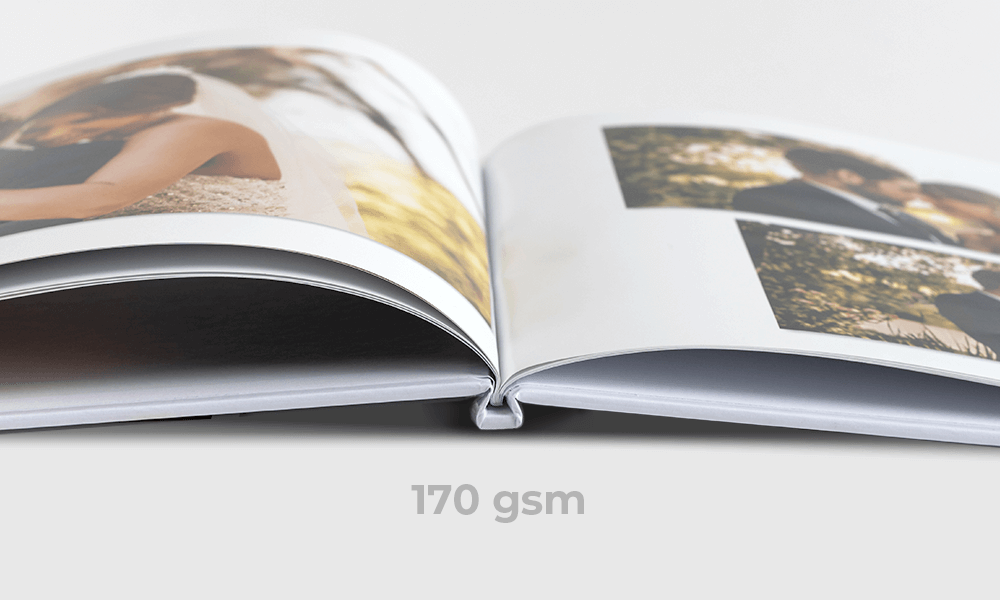
Bring your photos to life with our high-quality, FSC-certified, acid-free 170gsm paper. With a silk finish, this paper type is perfect for creating beautiful, long-lasting photo books in Australia.
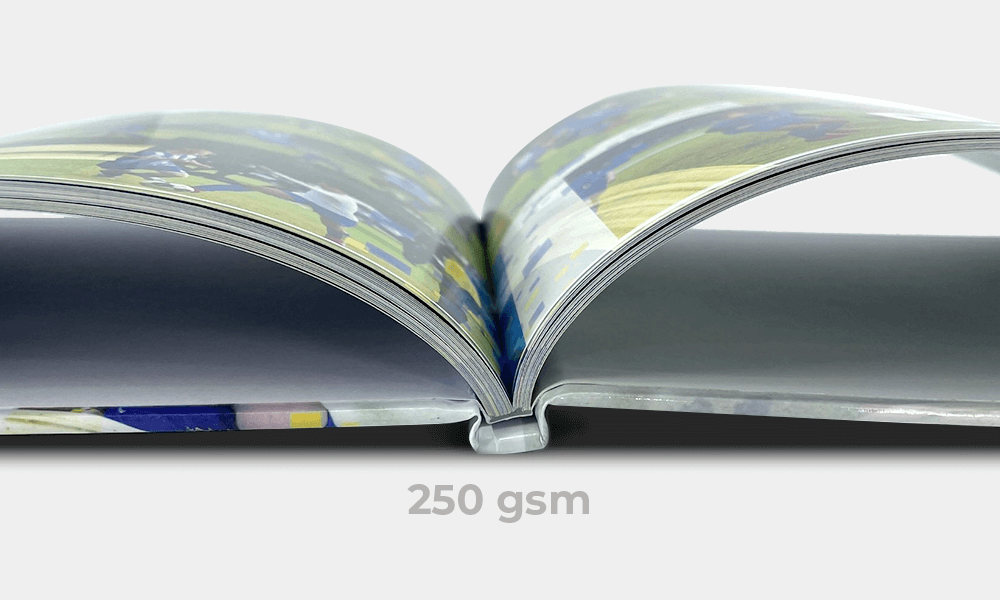
This thick, heavy-duty paper is perfect for printing high-quality photos, giving your photo album book a luxurious feel. The silk finish provides a beautiful shine. You can upgrade to premium paper upon checkout.
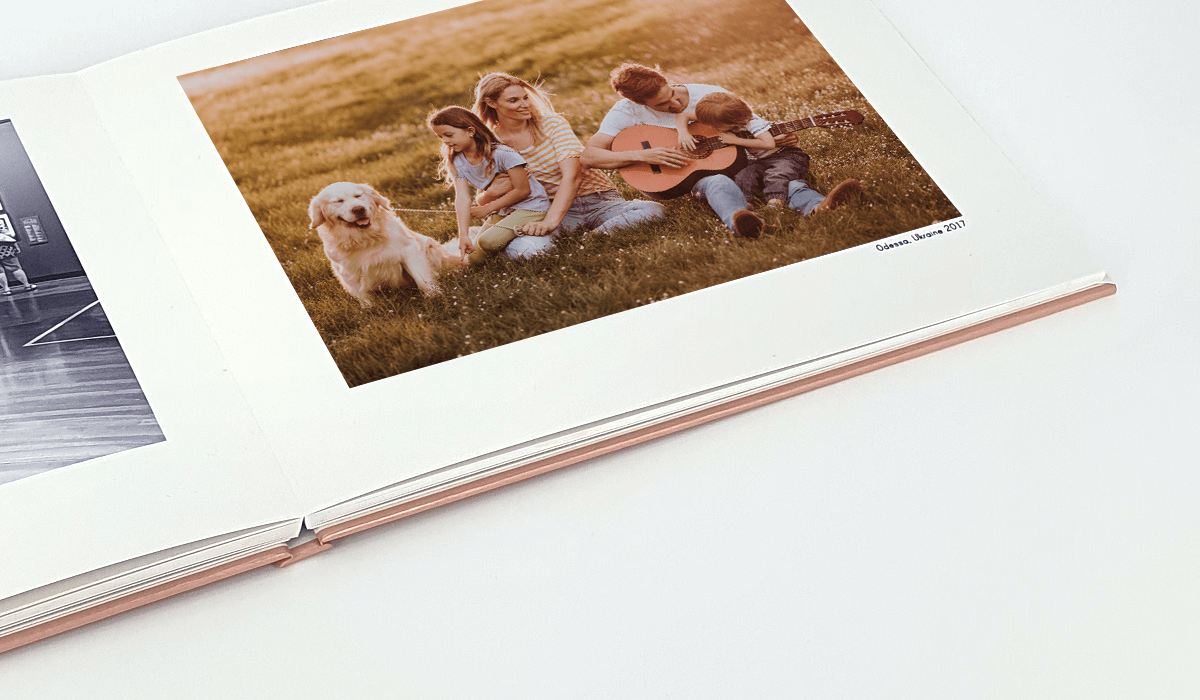
Premium lay-flat photo books come with extra thick 300gsm silk paper. This paper thickness helps the book sit perfectly flat when opened on any page. Incredibly durable, this paper is ideal for creating photo books online that will be frequently shared.
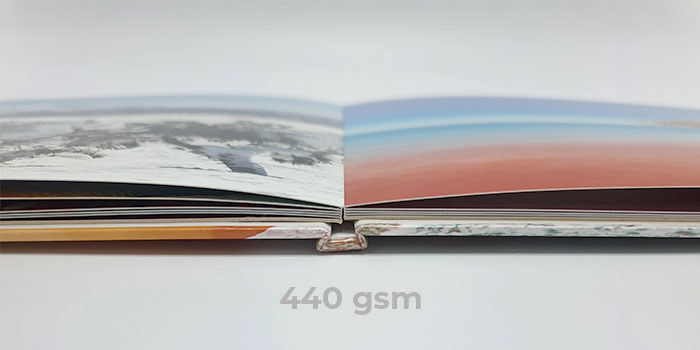
HD lay-flat photo books are printed on 440gsm Fuji Film lustre photographic paper. We print your photos to the highest quality using photographic paper and silver halide printing, which showcases true skin tones. The paper thickness helps the book lay perfectly flat and is ideal for professional photos.
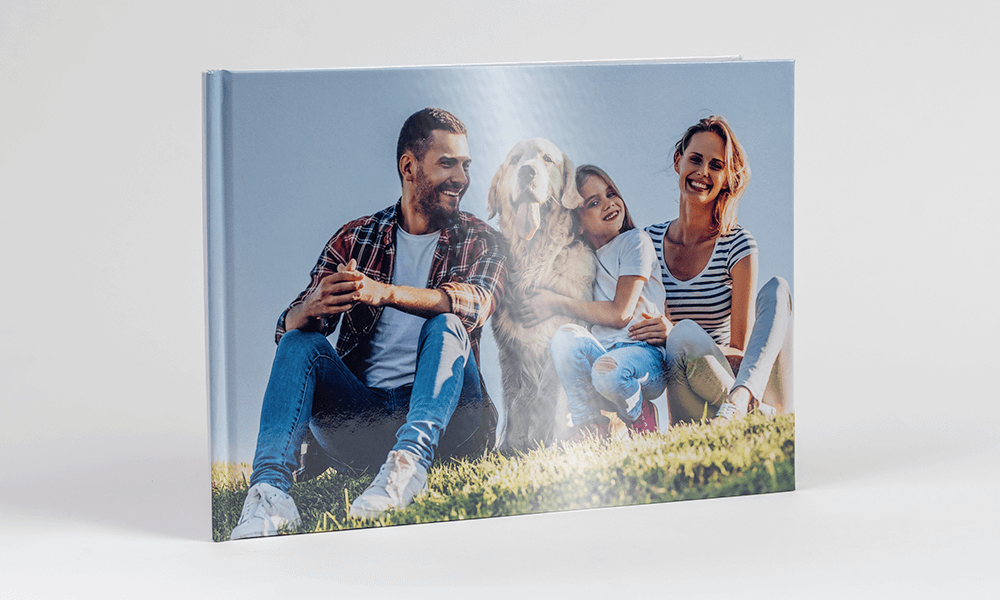
Our classic and lay-flat photo books have a glossy cover by default. The gloss produces a shiny appearance that enhances the colours and vibrancy of the cover, making your custom photo book stand out.
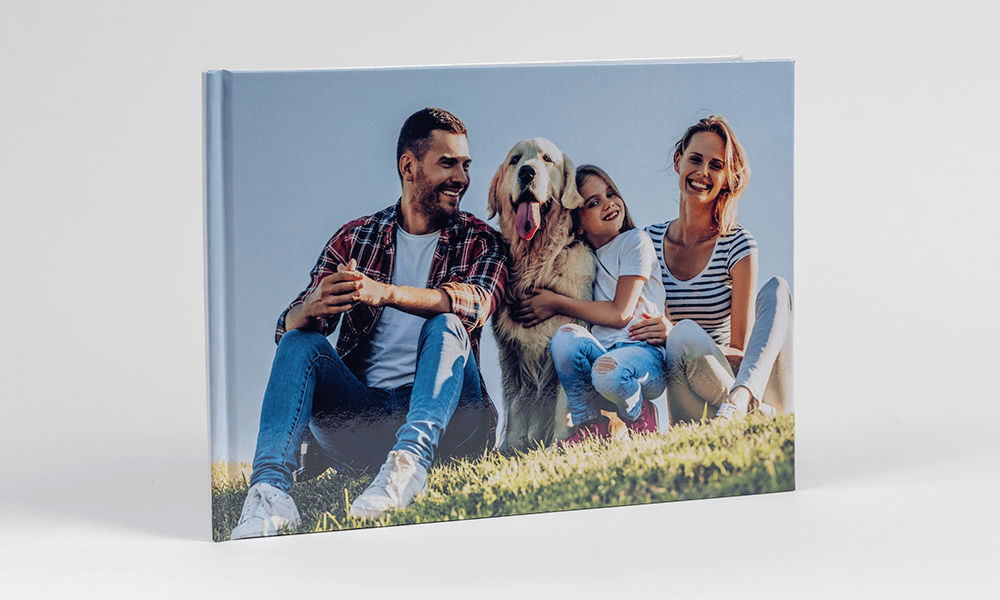
When you create a photo book online, you can select to upgrade to a matte cover finish upon checkout. The matte softens the contrast of darker colours and produces a velvety texture, giving your photo album purchase online a sophisticated look.
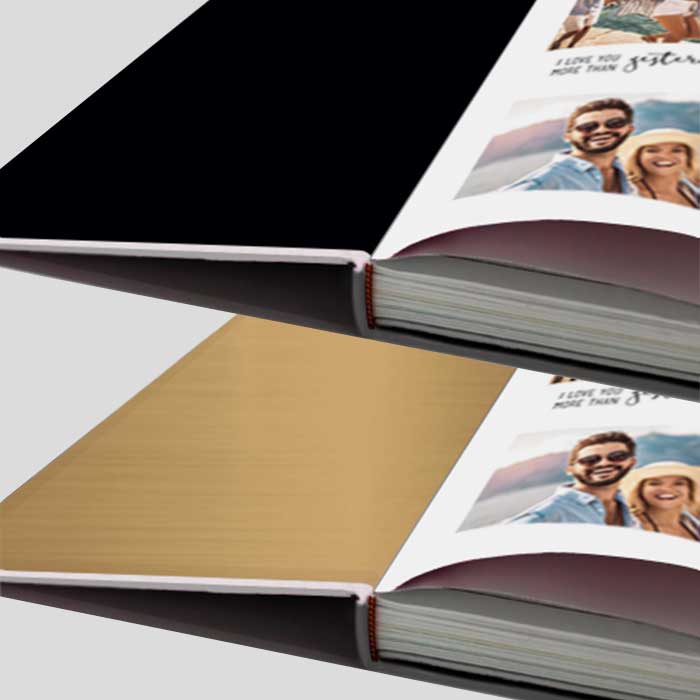
Add a luxurious touch to your photo book printing by selecting gold or black end sheets — the blank space inside the cover. End sheets add elegance to your custom photo book.
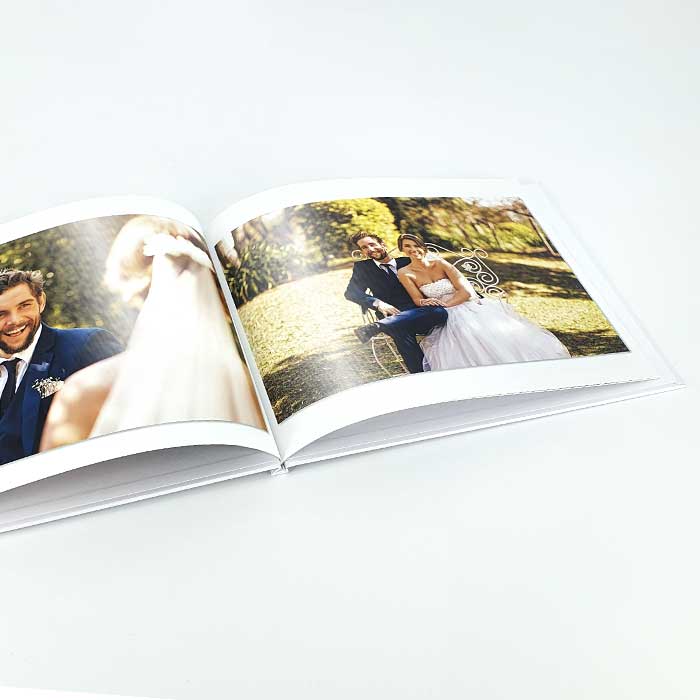
Compare and browse photo book designs
Not sure which photo book suits the occasion? Our photo book comparison guide puts every cover, binding and paper option side by side, including page counts and sizes.
Or start from a ready-made design instead of a blank page:
Questions?
We've Got You Covered
Compare and browse photo book designs
Not sure which photo book suits the occasion? Our photo book comparison guide puts every cover, binding and paper option side by side, including page counts and sizes.
Or start from a ready-made design instead of a blank page:
How to create a Photobook
Designing your own photobook is simple, start by selecting a service like photobook shop as creating a photobook is easy using the online editor. It's fun, all you need is your digital photos, an internet connection, and Photobook Shop easy-to-use online editor. Follow these quick steps:
-
Choose Your Photobook Type
Select from Soft Cover, Hard Cover, Layflat, or HD Layflat -
Customise Your Design
Use ready-made templates or build from scratch -
Upload Your Photos
Upload your favorite images to our online platform drag and drop or select from your device. You can also choose to create your photobook using our AI Assistant, which will design it for you automatically. -
Review and Order
Preview every detail before checking out. Once you’re happy, place your order and we’ll print and deliver it to your door.